 Zapmio
Lost your TCL remote? Here is how to use the TV without it
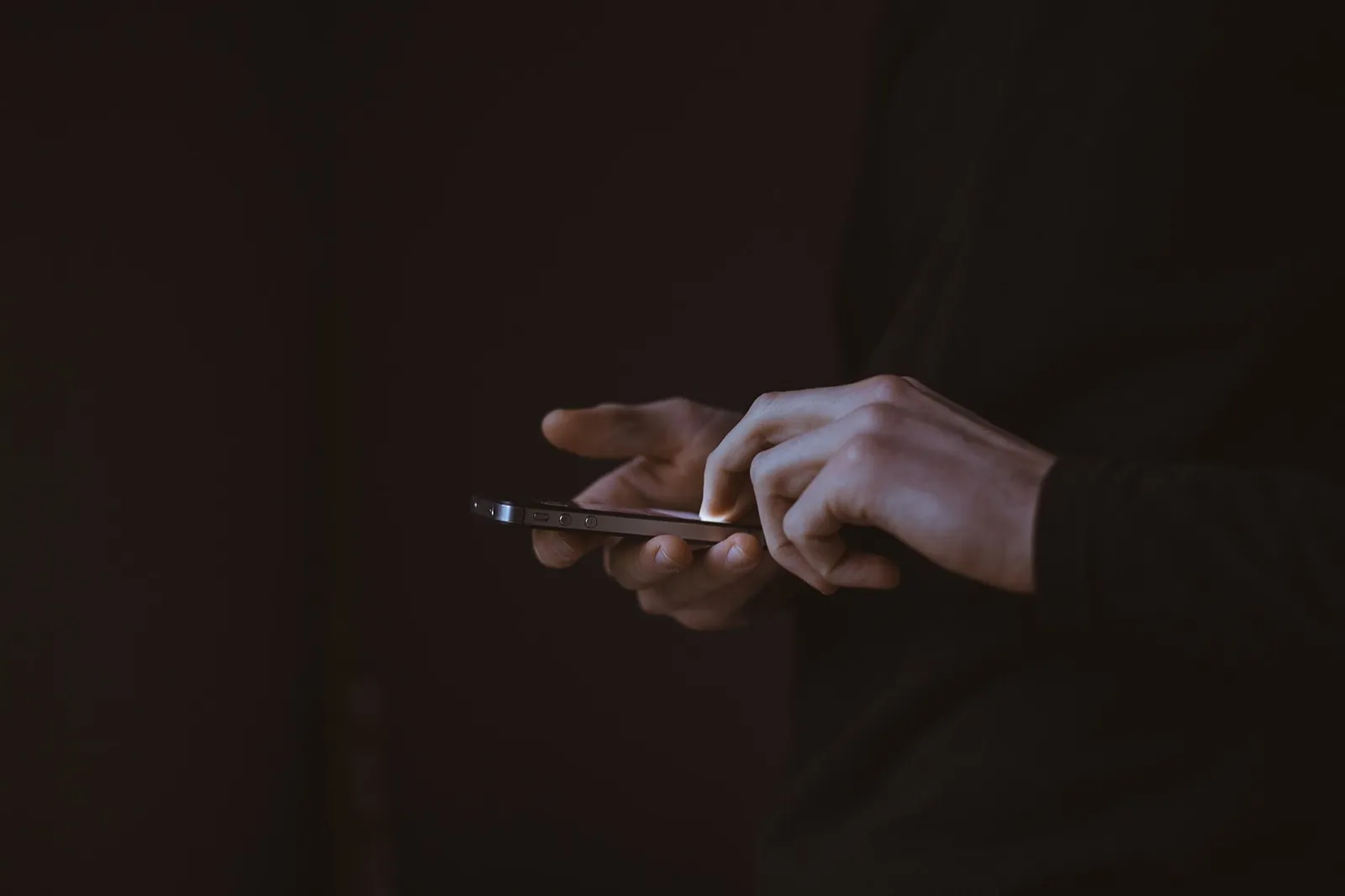
Turn the TCL TV on with the button under the middle of the bottom edge, behind the logo on most models. Then use your phone as the remote over the same Wi-Fi. A TCL with Google TV or Android TV works with the Google TV app and Zapmio, so you can keep watching while you look for the remote.
1. Turn the TV on with its own button
Most TCL TVs have one button under the middle of the bottom edge, often behind the TCL logo. On some models it sits on the back, lower right as you face the screen. A short press turns the TV on.
With the TV on, another short press opens a small menu for power, input and volume. Short presses move through it and a long press selects, which is enough to change HDMI input or turn the sound down.
2. Use your phone as the remote
Which app works depends on the system your TCL runs. A For you tab on the home screen means Google TV, and rows of apps under a Google search bar mean Android TV. TCL models with another system use the app from that system's maker.
- Connect the phone to the same Wi-Fi as the TV. Guest networks keep devices apart, so use the main network.
- Open the Google TV app, or a remote-only app such as Zapmio, and pick your TCL from the list.
- Type the code the TV shows on screen.
- The phone is remembered, so next time it connects by itself.
A TCL remote that cannot get lost
Zapmio is the whole TCL remote on your phone, with large buttons for arrows, OK, back, home, volume, channels and power and no ads. We test it on TCL Google TV. It finds the TV on your Wi-Fi, and up to six phones in the household can use it, so there is always a remote within reach. Try it free on your own TCL.
Try it freeCancel anytime · Coming soon to Google PlayTry it freeCancel anytime3. Let the phone turn the TV on next time
On the TCL Google TV we tested (Smart TV Pro, 31 October 2026), the default energy mode switched Wi-Fi off in standby, so the phone could turn the TV off and then not on again. After Settings → System → Power & energy → Energy mode → Increased, the phone could wake it. Change this once from the phone remote and you no longer need the button on the TV.
4. Where a TCL remote usually turns up
TCL remotes are slim and dark, and most are found within arm's reach of where they were last used. Check between and under the sofa cushions, under the sofa itself, in blankets, behind the TV bench and in the kitchen. If children were watching, look in toy boxes and bags.
TCL remotes with a microphone are connected by Bluetooth. If the TV reacts when you press the microphone key through the cushion or blanket where you think the remote lies, it is nearby with working batteries.
5. Get a replacement TCL remote
Find the model number on the sticker on the back of the TV, or under Settings → System → About on Google TV models. European models look like 55C745 and North American ones like 55Q750G. TCL's own remotes carry a part number that starts with RC, printed inside the battery compartment, and sellers list them by that number and by TV series.
The buttons on a TCL Google TV remote use infrared and work as soon as the batteries are in. The microphone uses Bluetooth and has to be paired once. Open Settings → Remotes & Accessories → Pair remote or accessory with your phone remote, then hold OK and Home on the new remote until its light blinks. The key combination varies between remote models and is shown on screen.
| Option | What you get | Good to know |
|---|---|---|
| Zapmio (Android, iPhone) | Every remote button and the phone keyboard, free to try | No ads, works right away on Google TV and Android TV models |
| Google TV app (Android, iPhone) | Remote inside Google's streaming app, free | Works on Google TV and Android TV models |
| Original TCL remote | Every key, including voice and streaming shortcuts | Order by the RC part number or the TV series |
| Infrared universal remote | Power, volume, channels, arrows and OK | Needs a TCL code from its manual, no voice |
Related guides
- Control your TCL TV from your phone
- How to control a TCL TV without the remote
- How to turn on a TCL TV without the remote
- Lost your TV remote? Here is what to do
Frequently asked questions
How do I use my TCL TV without the remote?
Turn it on with the button under the bottom edge, then use a remote app on your phone over the same Wi-Fi. The button on the TV also opens a small menu for input and volume.
Can I turn on my TCL TV with my phone?
Yes, on Google TV models when Energy mode is set to Increased under Settings → System → Power & energy and the phone is on the same Wi-Fi. Until then, use the button on the TV.
Does Zapmio work with my TCL?
Zapmio works with TCL TVs running Google TV or Android TV, and we test it on TCL Google TV. Check the home screen, then try it free on your own TV.